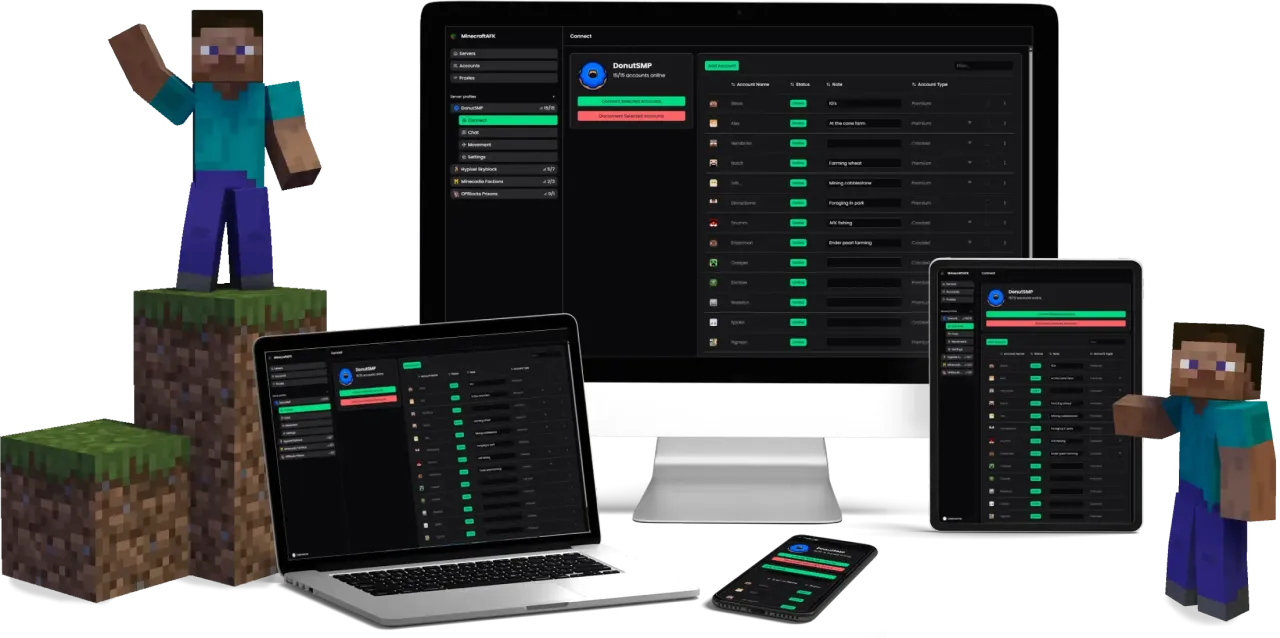
How it works
Sign up
Pick a plan for the number of accounts you need and authenticate. Takes about 60 seconds. Tier 1 starts at €3.99/month, annual billing saves 17%.
See pricingAdd your accounts
Open the dashboard, click Add account, and sign in with Microsoft. Your password never touches our servers. Add as many accounts as your plan allows.
Account guideConnect and walk away
Pick a server, enter its IP, choose your accounts, and hit connect. They join immediately and stay online 24/7. Close your laptop, turn off your PC, go on vacation. The bots keep running.
Connection guideWhat happens next
Once you hit connect, the web client takes over. Accounts stay online regardless of what your computer is doing. Close the dashboard, shut down your PC, lose internet at home. Nothing affects what's running in the cloud.
Anti-AFK prevents kicks. Auto-reconnect rejoins if the server drops. Join and world-change messages route accounts back to the right sub-server automatically.
To change anything, open the dashboard from any device and make the change. Swap servers, send a chat message, schedule a command. The bot picks it up immediately.
Pick your client
Web client
Runs on our cloud servers. Paid plans from €3.99/month.
- AFK 24/7 with your PC off
- Manage from any device, anywhere
- No install required
- Inventory management
- Movement
- Use proxies
- Choose your accounts
Local client
Windows app. Runs on your own machine.
- Your PC must stay on
- Windows 10+ only
- Install required
- No inventory management
- No movement
- No proxies
- Use up to 5 accounts
Want to AFK 24/7 Without Leaving Your PC On?