Minecraft Server Ping
About the server ping
This tool queries mcsrvstat.us , a free public Minecraft server status API. There is no backend; the request goes directly from your browser to their API.
Java servers use Minecraft's standard server list ping protocol. Bedrock servers use RakNet ping. Both return online status, player count, version, MOTD, and the server favicon if it has one.
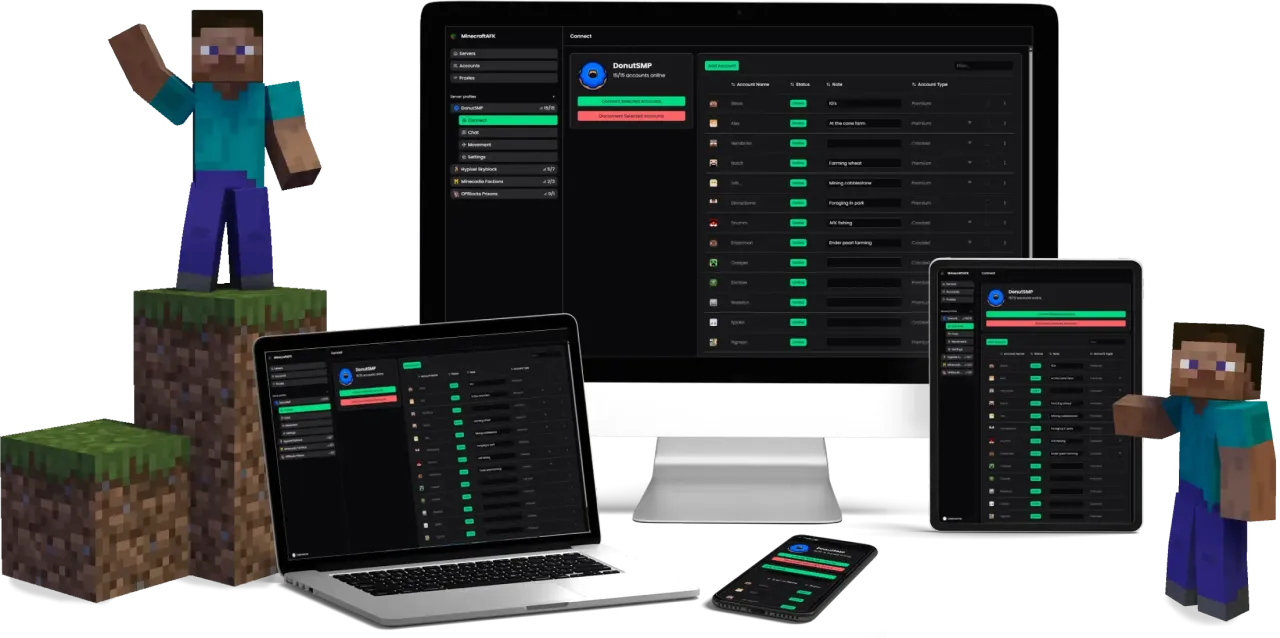
If you get an "offline" result for a server you know is online, the server's firewall likely blocks the public ping protocol while still accepting normal client connections. Try connecting directly with MinecraftAFK instead; the bot uses a real client handshake.
Reading your server ping results
What is the MOTD? The "message of the day" is the description a server shows in the multiplayer list. It's set by the server owner and often contains color codes and formatting, which is why it can look stylised here.
Why does a server I know is online show as offline? Some servers firewall the public status protocol while still accepting normal client connections. A failed ping doesn't always mean you can't join - try connecting with a real client like MinecraftAFK instead.
Java vs. Bedrock: the two editions use different ping protocols and default ports (Java on 25565, Bedrock on 19132). Pick the matching edition above so the lookup uses the right one. Cross-play servers running Geyser usually answer on both.
Want to AFK 24/7 Without Leaving Your PC On?